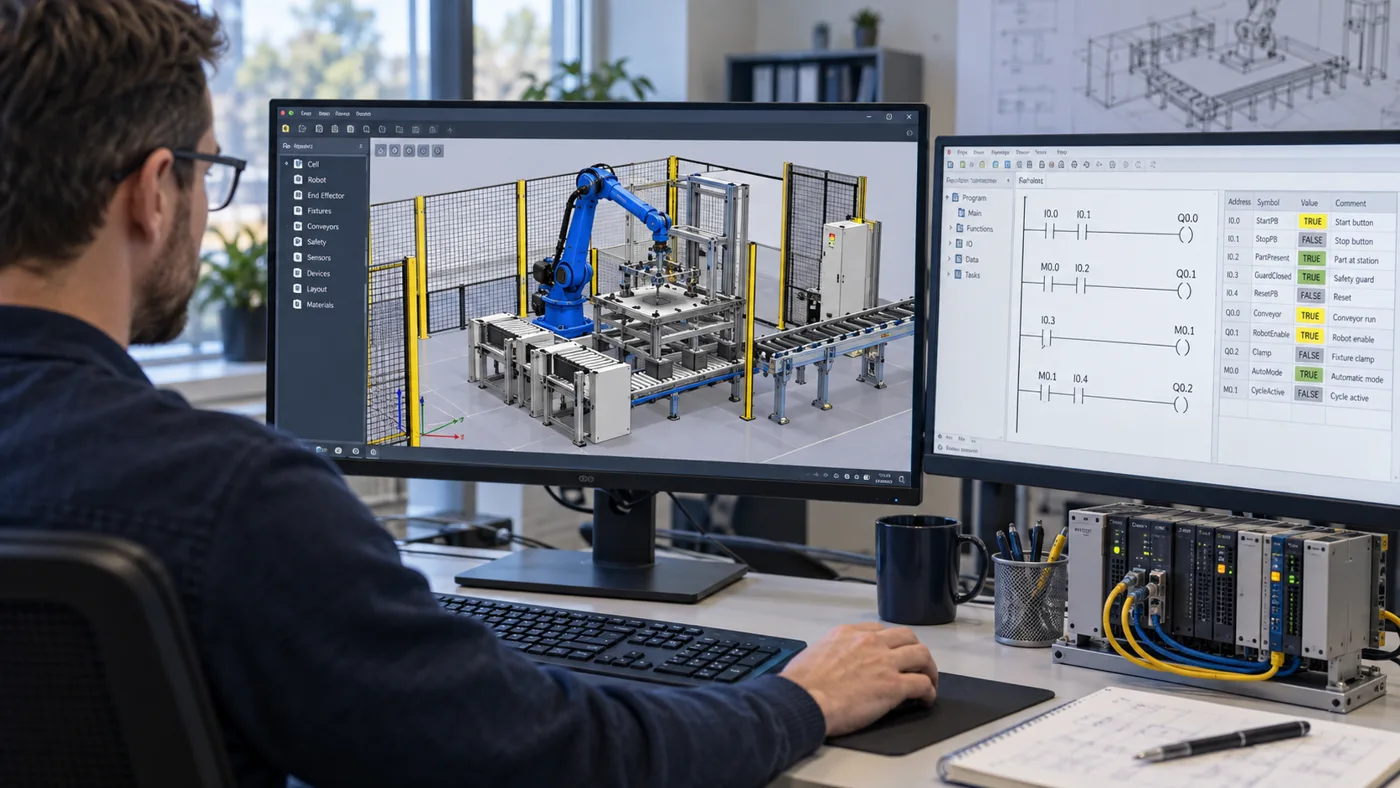
A 3D animation can show how a cell is intended to run. Virtual commissioning asks a harder question: how does the controls application respond when the process behaves differently from the ideal sequence?
For an Emulate3D project, start by choosing the behaviors to test. Model detail, interface work, and acceptance evidence should follow those questions. A visually complete factory is not necessarily the most useful first model.
Choose a testable scope
A focused first scope might cover a transfer between two stations, one robot interface, or a specific recovery sequence. List the modes, signals, devices, and process states involved. Identify which parts of the real system will be represented and which will be omitted or simplified.
Rockwell describes Emulate3D as supporting early connection of machinery models and controls to investigate operational and sequencing issues before deployment. Its Emulate3D product overview explains that intended use. The project scope must still establish compatible software, controller interfaces, and the behavior represented by the model.
Define the model’s feedback
For each actuator command, decide what the simulated process returns and when. A cylinder command may lead to a changed sensor state after a modeled travel time; a part transfer may depend on occupancy and the state of another station. Write these relationships down.
If the model immediately confirms every command, the controls may pass a test that avoids the timing and recovery issues you intended to find. Conversely, detailed physics adds little value if the acceptance question concerns a simple handshake. Choose fidelity according to the decision, then document its limits.
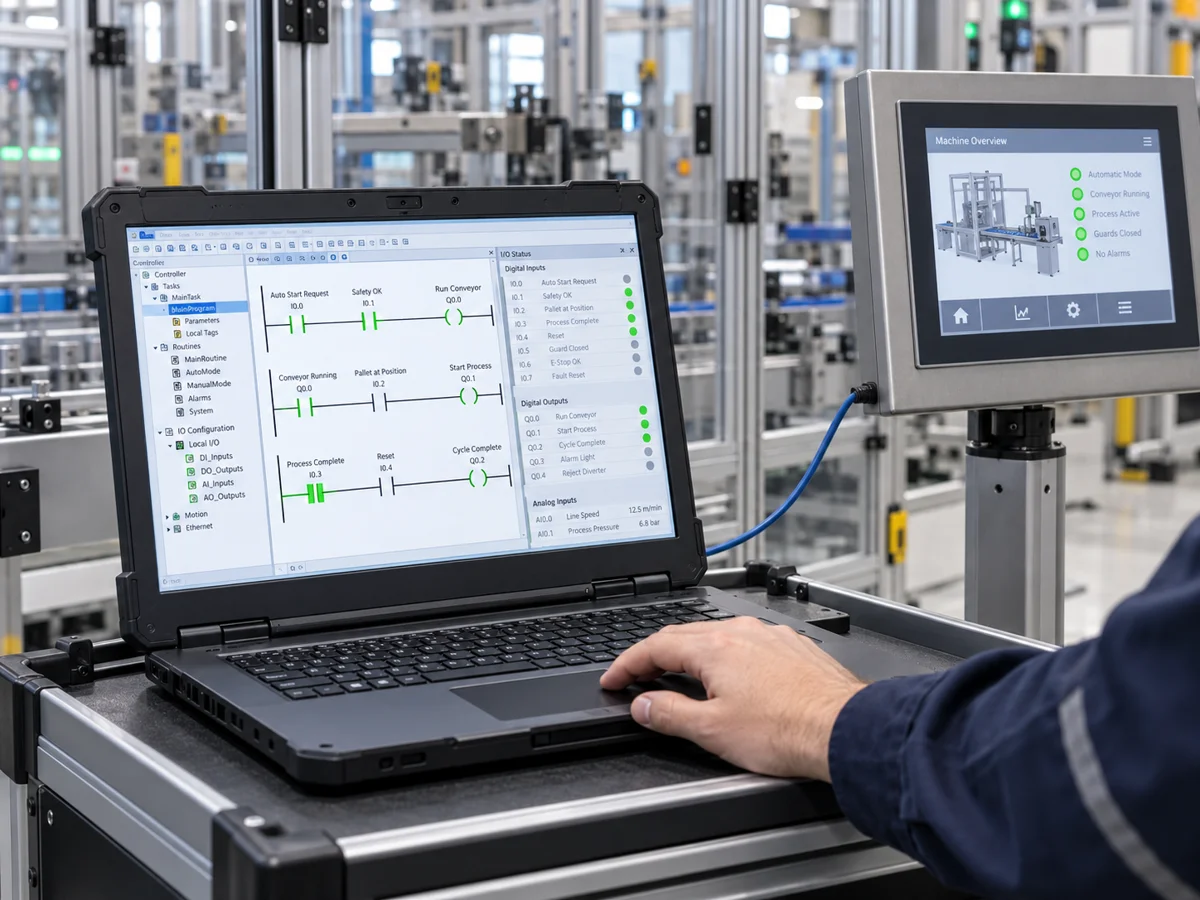
Rockwell’s Operational Digital Twin application technique describes connecting I/O points to the virtual model in place of physical hardware. That connection is an interface to validate, not just a setup task.
Write normal, abnormal, and restart scenarios
| Scenario | What to observe |
|---|---|
| Normal transfer | Commands, confirmations, occupancy tracking, and completion state |
| Downstream not ready | Whether transfer waits correctly and the reason is visible |
| Expected sensor does not change | Timeout, reported fault, and permitted recovery path |
| Interface communication interrupted | Defined process response and re-establishment of the handshake |
| Controlled interruption and restart | Retained state, required checks, and handling of a part already in process |
Give each case an initial condition and a pass criterion. Keep the expected response in the specification rather than deciding what “good” looks like after watching the test.
Make the results repeatable
Record the PLC/HMI revision, model revision, interface mapping, scenario settings, and result. When an issue is corrected, repeat the affected tests and retain the evidence. A screen recording can help explain behavior, but the test record should identify the conditions and conclusion without requiring someone to watch an entire video.
Separate software defects from model defects. A missing simulated sensor response might expose a real timeout problem, or it might be a modeling omission. Assign the issue to the correct owner before changing the production logic to accommodate the simulation.
Carry the remaining checks into physical commissioning
A virtual model does not establish actual cable termination, installed device condition, physical tolerances, or safety validation. It also cannot confirm a process result that the model does not represent. Keep these items in the on-site plan.
The handoff should include completed virtual tests, open issues, model assumptions, and the checks still required on the real installation. This lets the commissioning team reuse the learning without treating simulated evidence as proof of unrelated physical conditions.
Spinula uses Emulate3D for virtual commissioning. A practical starting brief is the sequence description, controls architecture, I/O information, available CAD, and the specific behaviors you want to test before installation.